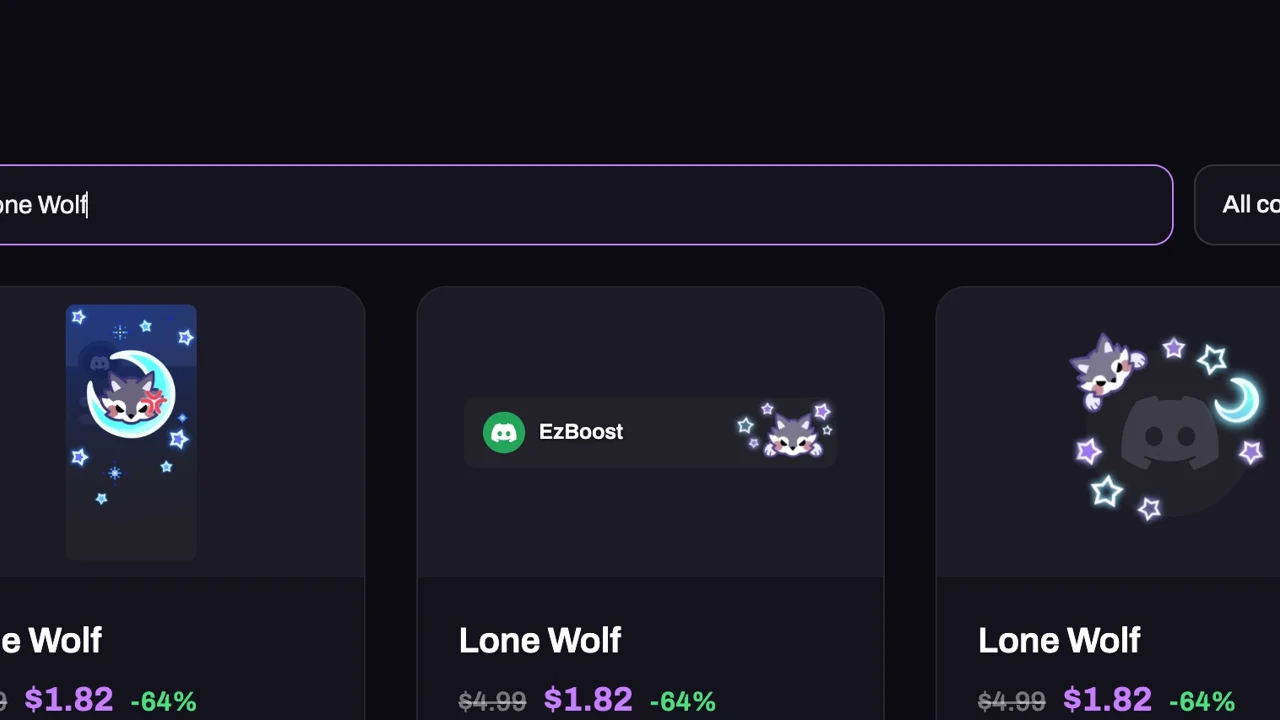
Lone Wolf costs $4.99 in Discord's shop. We got it for $1.82 on EzBoost and paid with Litecoin. Here is the whole order, start to finish, in three steps.
1. Pick your decoration
Open the decoration shop and search for the one you want: avatar decorations, profile effects, nameplates and bundles. When Discord sells the item too, its price in Discord's shop sits next to ours, so you see the difference before you buy.
2. Pay with crypto
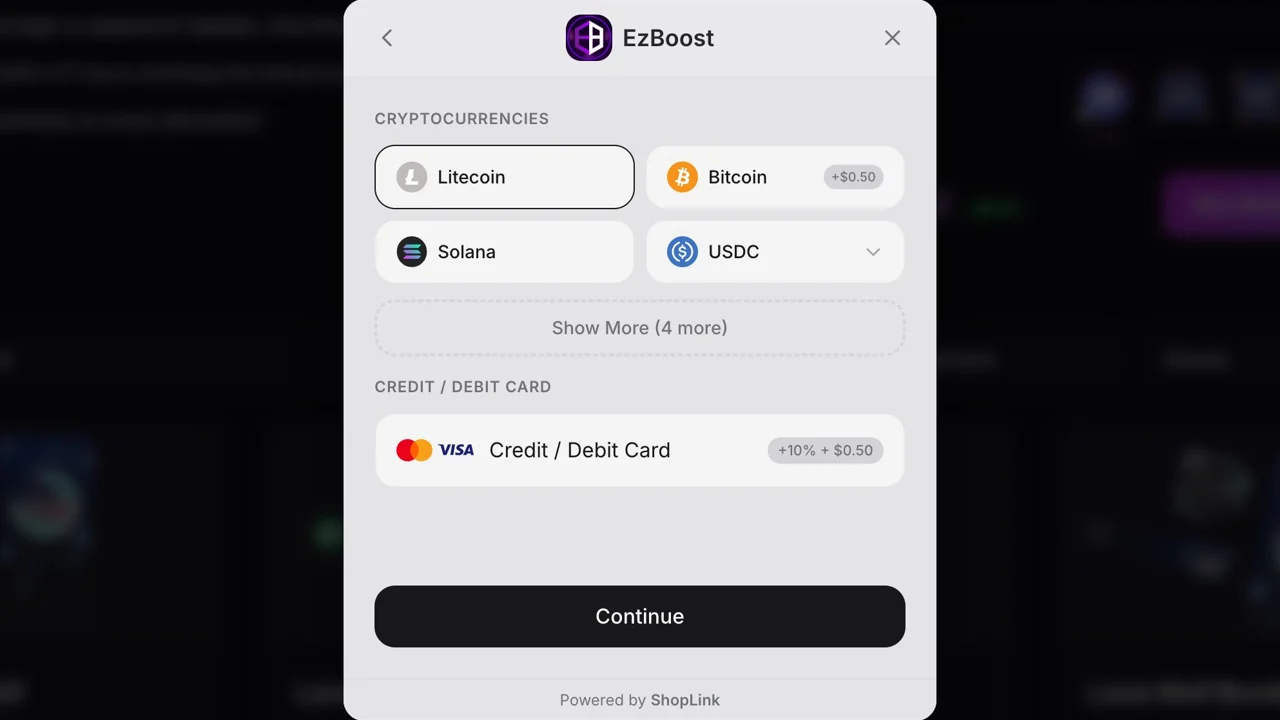
Click buy, enter your email and choose a coin: Litecoin, Bitcoin, Solana, USDC and a few more. We used Litecoin. Scan the QR code or copy the address, send the exact amount shown, and keep the page open while the network confirms the payment. Ours took about seven minutes. Litecoin has no extra fee; some other coins and card add a small one, shown next to the method at checkout before you pay. Card works too if you would rather not use crypto.
3. Open your gift link in Discord
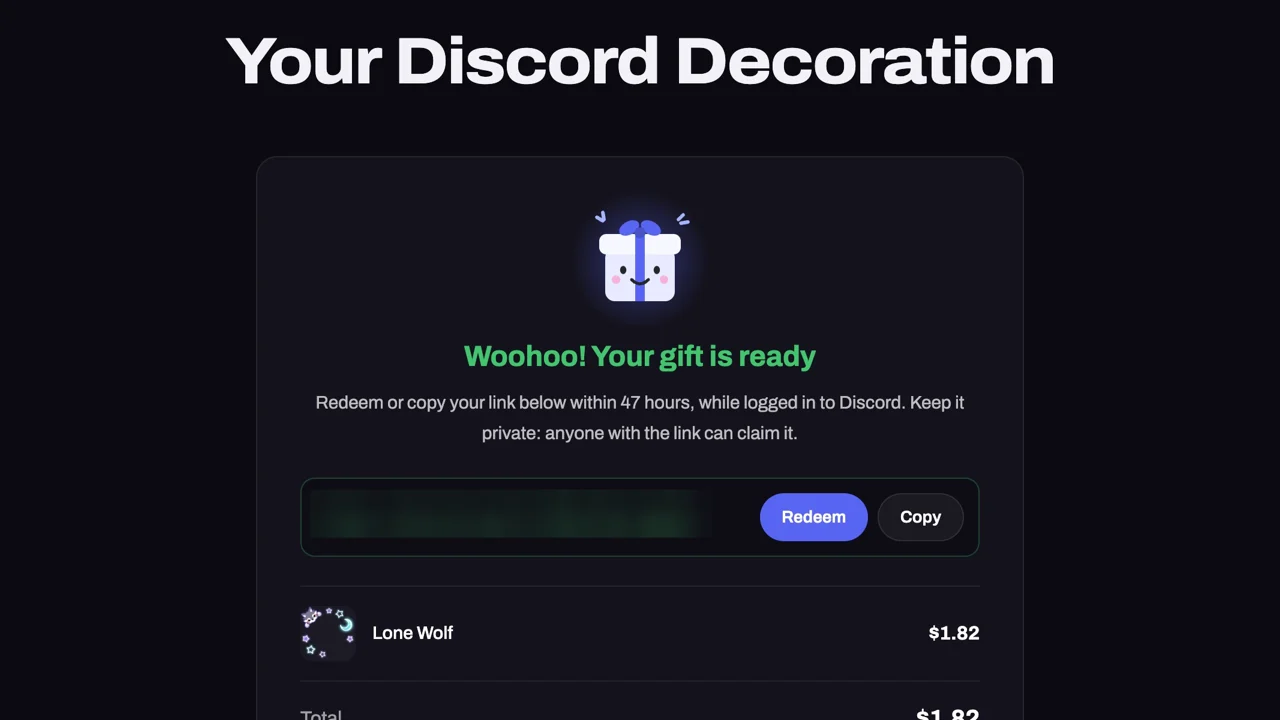
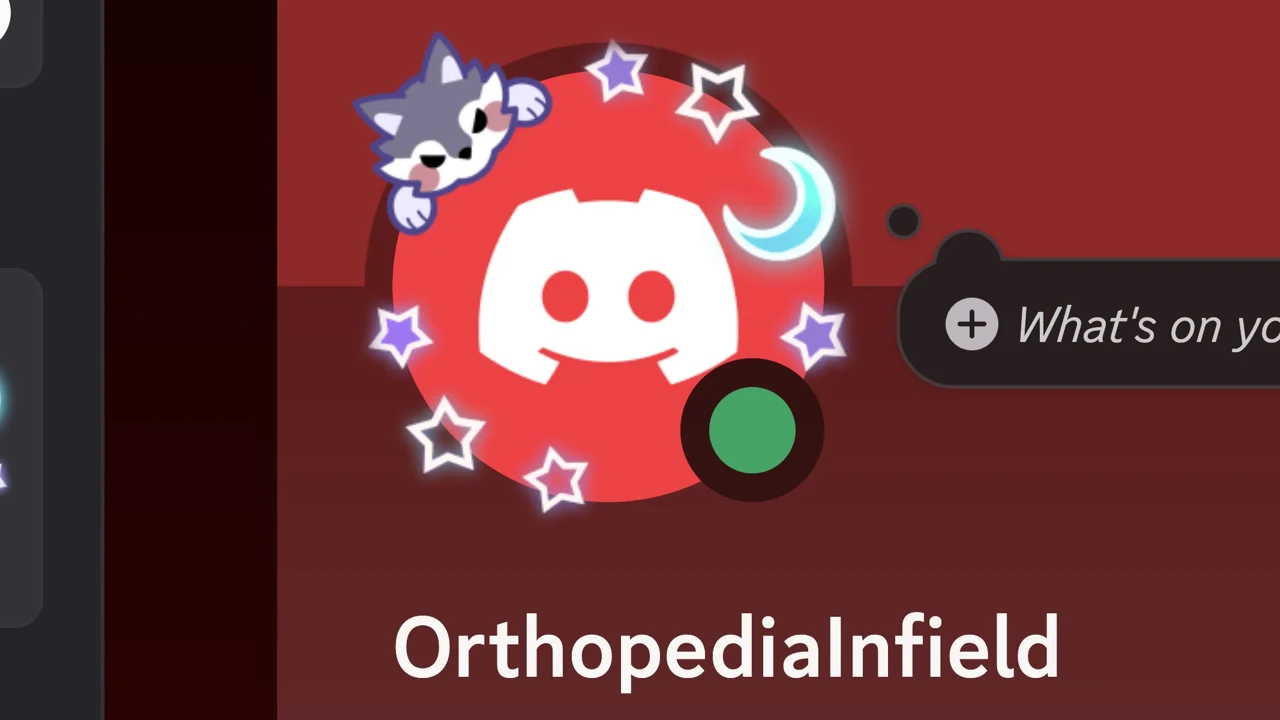
When the payment goes through, the page moves to your order page by itself, and your Discord gift link shows up there. Ours was ready 27 seconds after the payment. Open the link while you are logged in to Discord, accept the gift, then go to your profile settings, pick the decoration and save.
Before you open it
- We never ask for your Discord login or password: you only get the gift link.
- Accept it within 47 hours.
- Keep the link to yourself: anyone with it can claim the gift.
Done
Find your decoration
Avatar decorations, effects, nameplates and bundles, with Discord's price beside ours where it has one.